Capture the pair
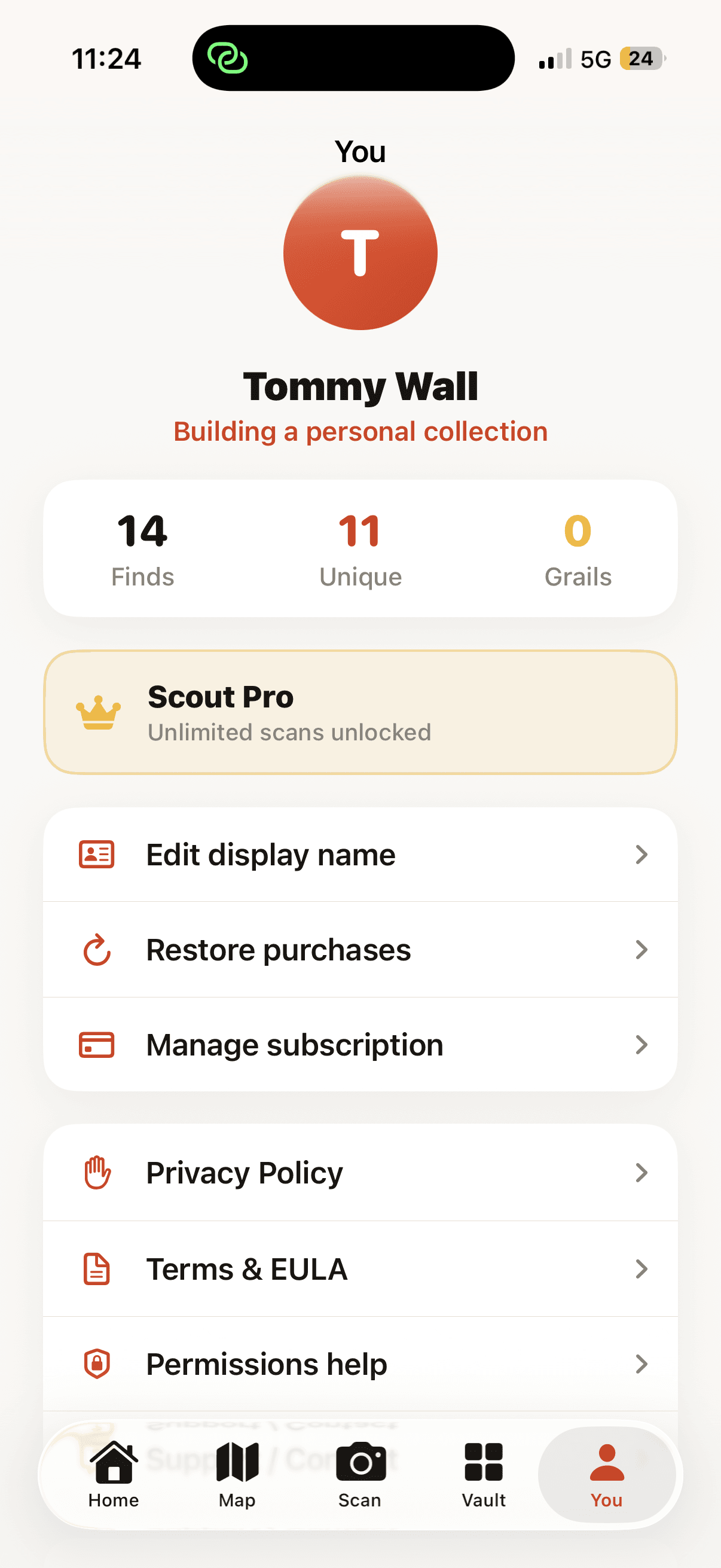
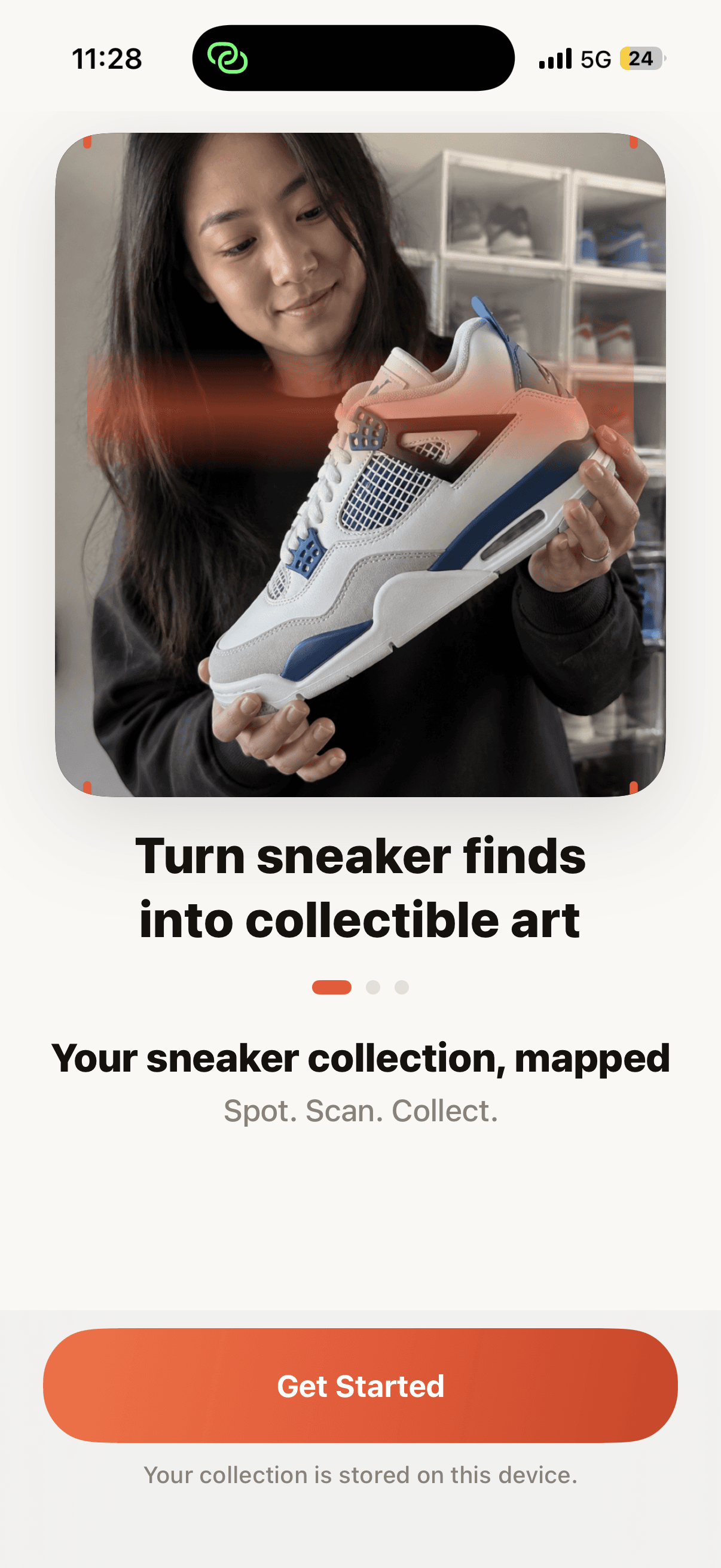
Use the camera or choose a photo. Zoom and framing controls help keep the full shoe clear.
Built for sneaker collectors
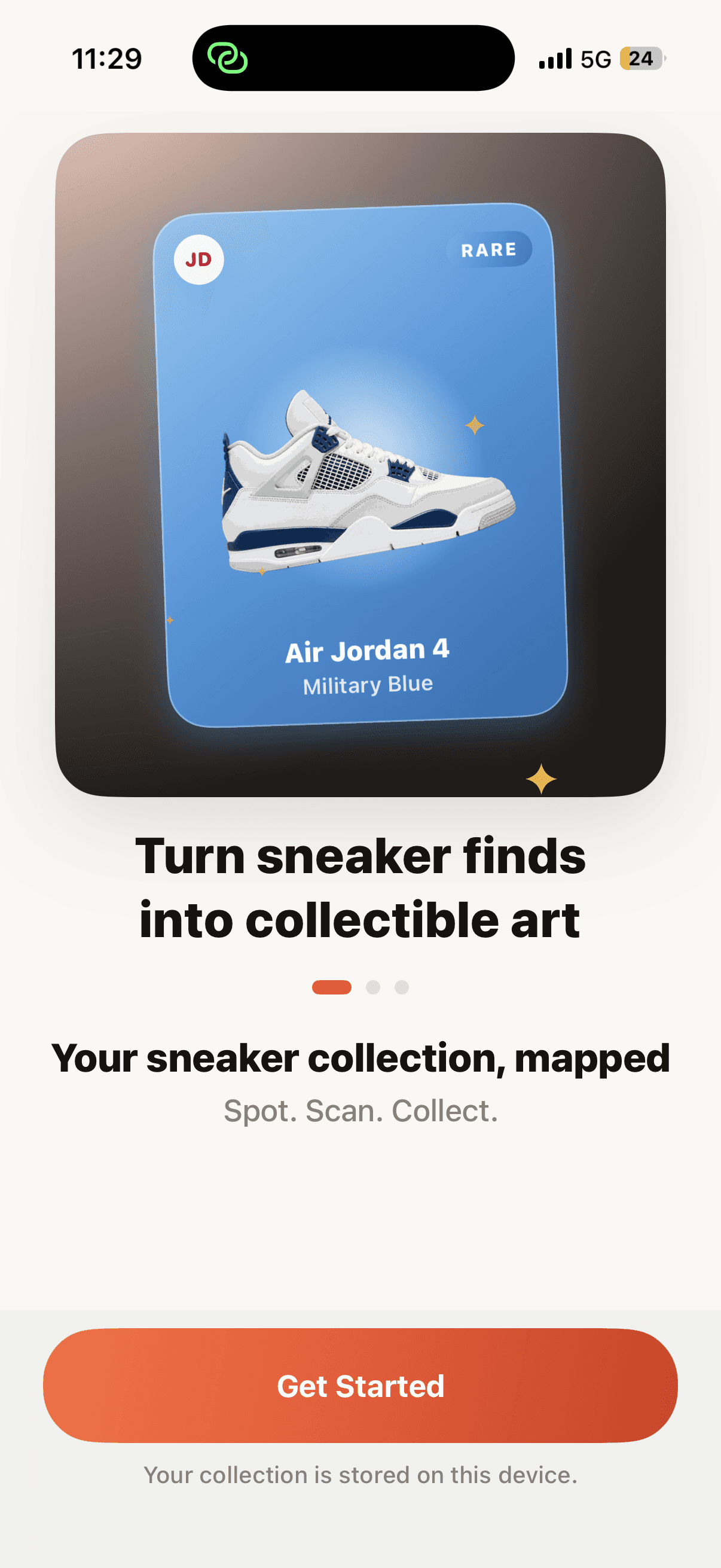
Spot a pair. Scan it. Confirm the match. Sneaker Scout turns the moment into a card, a story, and a place in your Vault.
A living sneaker archive
The flow
Capture the real pair, build its card, and keep the memory connected to your collection.
Use the camera or choose a photo. Zoom and framing controls help keep the full shoe clear.
Confirm the model and colorway, then add size, condition, and the details you care about.
Keep the find in your private Vault or publish it to Global and Friends feeds with the location visibility you choose.
Camera-first collecting
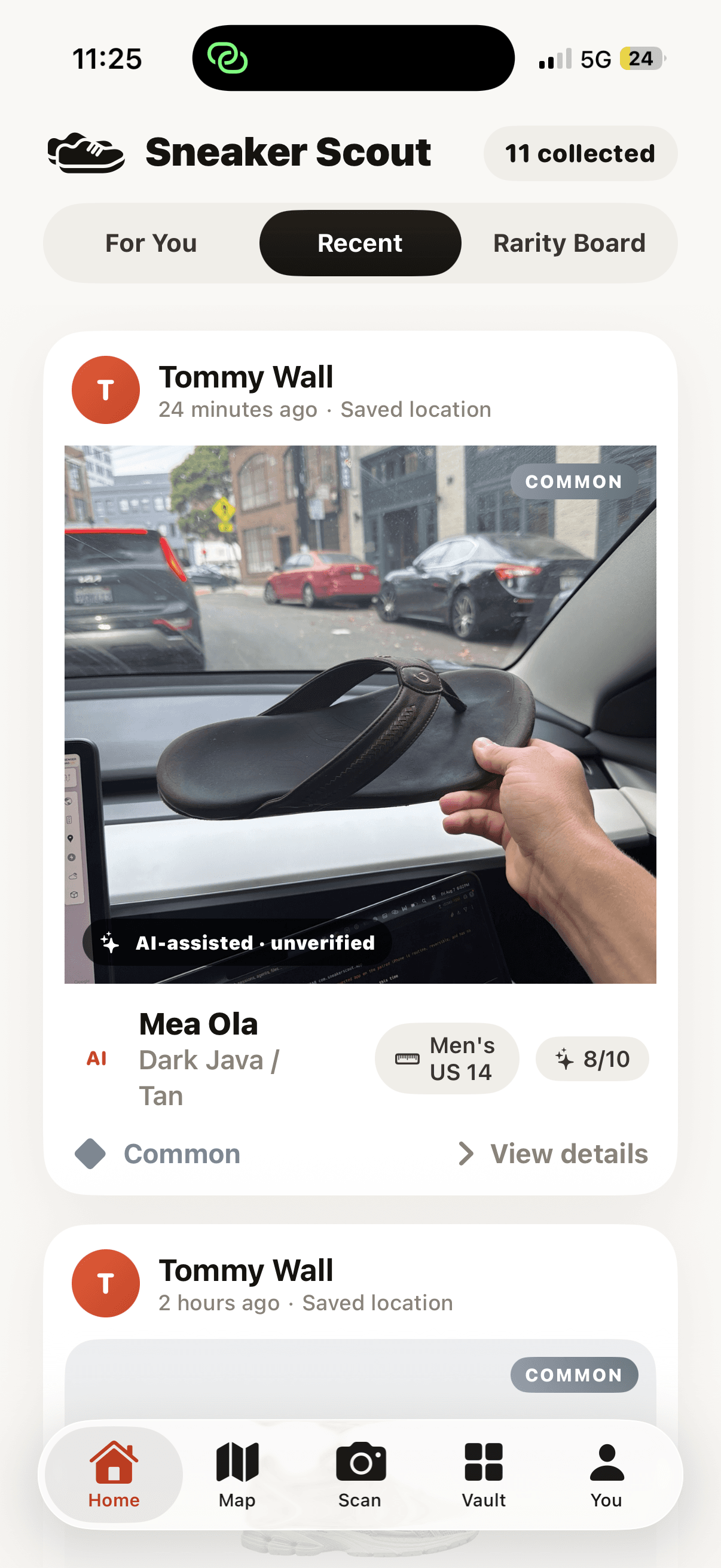
01Photograph the pair as you found it. Sneaker Scout keeps the original shot at the center of the discovery, then helps turn it into something made for your collection.
Collectible cards
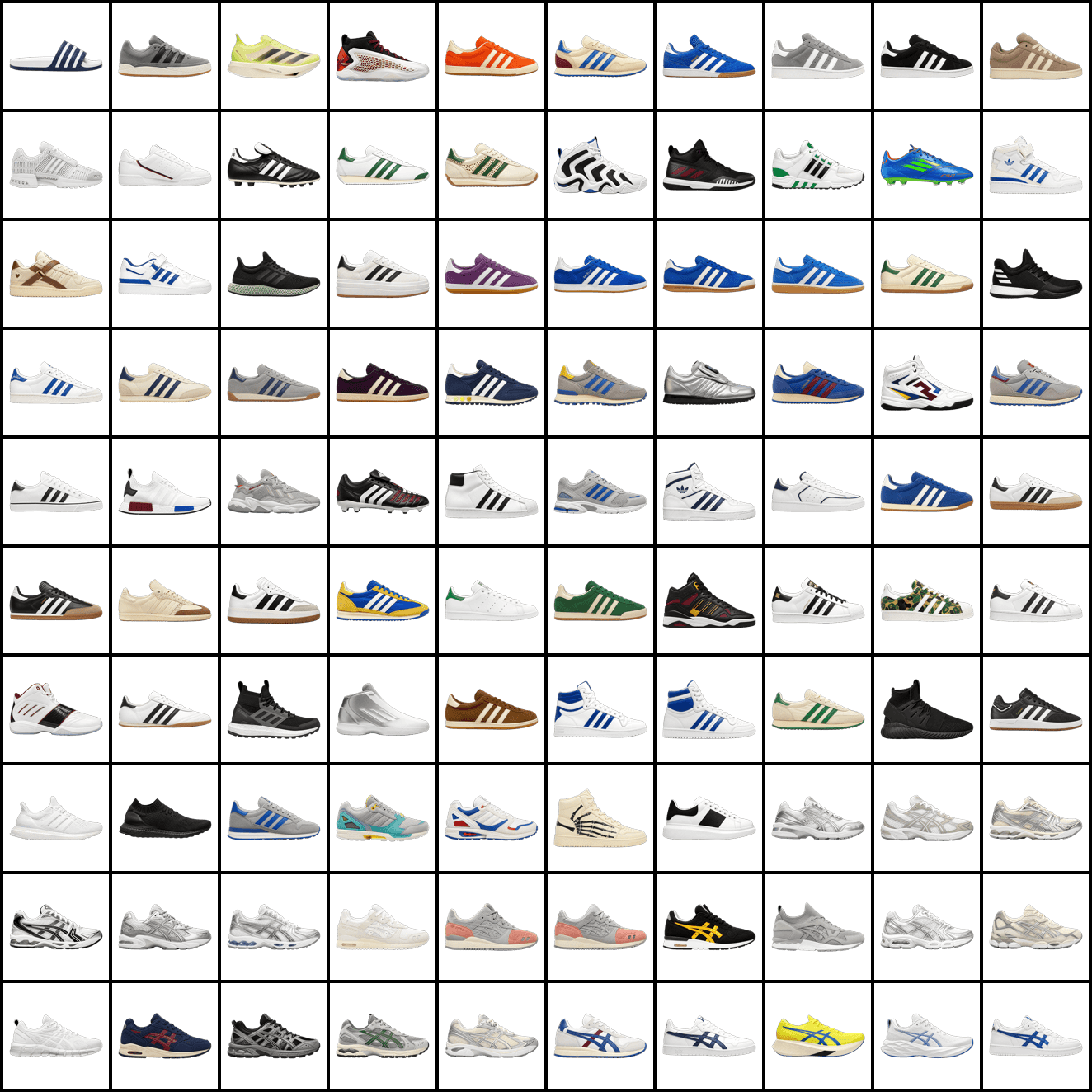
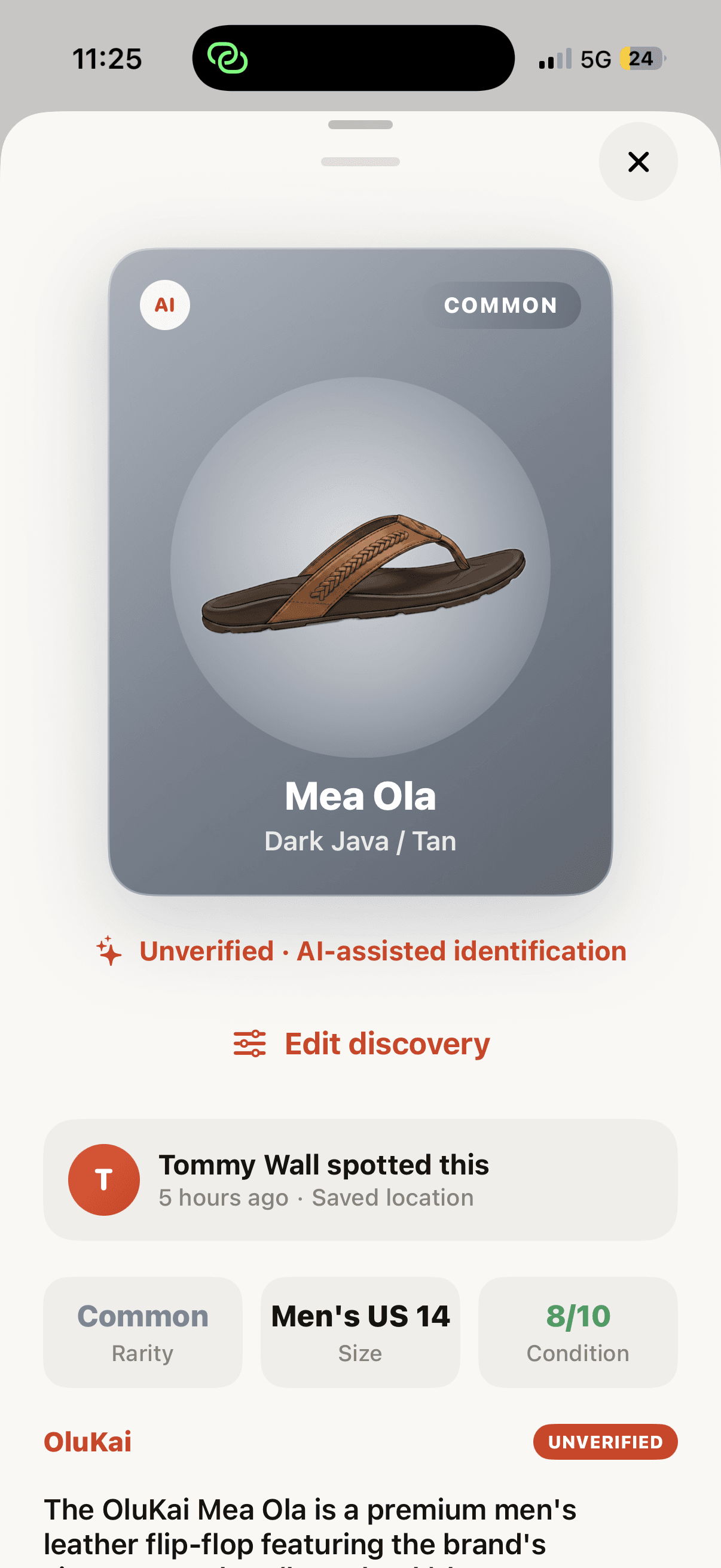
02Each discovery gets the same clean visual treatment—from catalog favorites to the new pairs you add yourself—along with the details and story that make it memorable.
Your discovery map
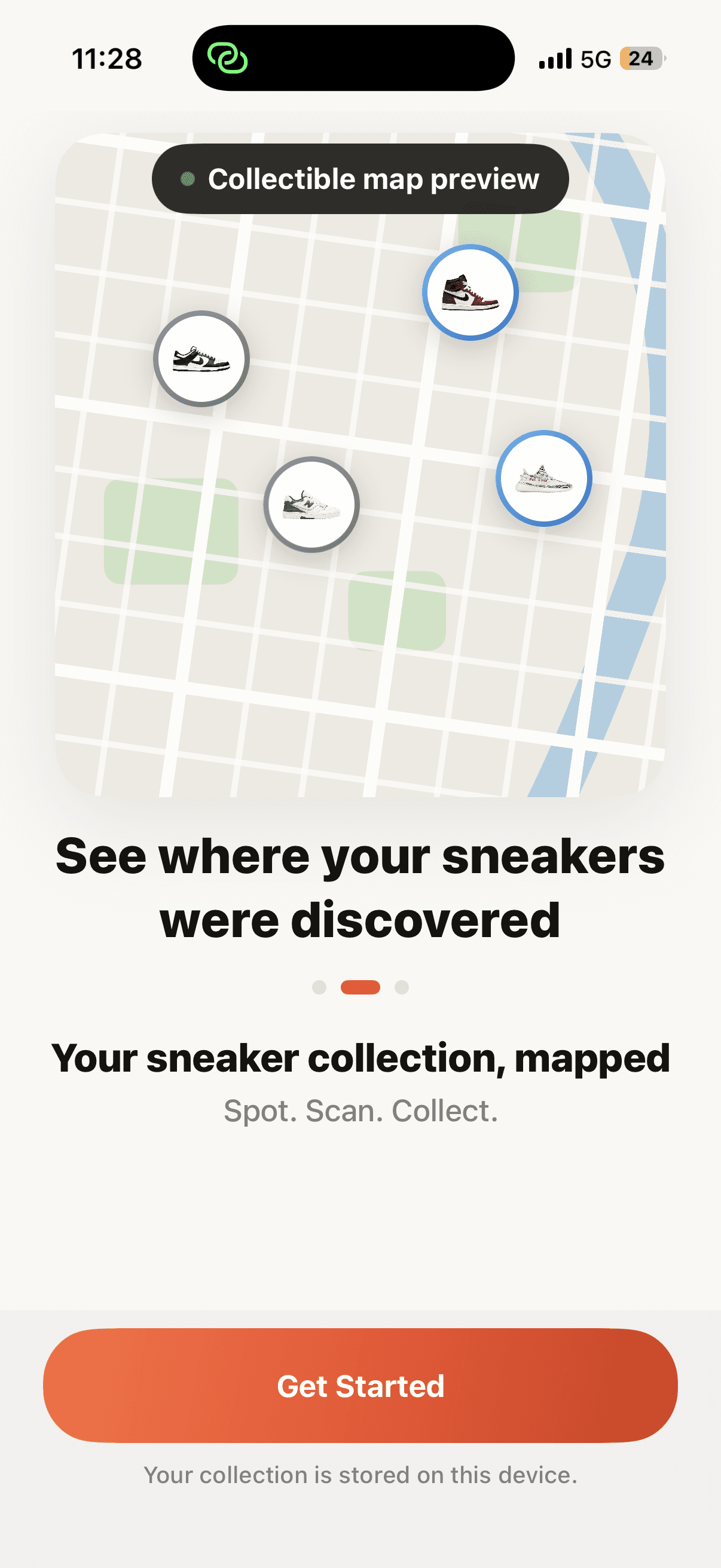
03Keep finds private, share a city-level pin publicly, or share an exact spot only with accepted friends.
Made for the whole collection
Your feed shows the pair as you actually found it, keeping every discovery personal.
Tap through to the matching artwork, model details, rarity, condition, and story.
Choose when a location matters and see those saved finds together on your map.
Scout Pro
Current plan prices and renewal terms are shown by Apple inside the app before purchase. Pro unlocks unlimited scans and the complete Vault experience.
Good to know
A resized image is processed to identify the pair. A local copy is kept only when needed for a saved discovery or unfinished draft. See the Privacy Policy for the full flow.
Your Vault stays private on your device. Publishing is a separate choice that requires Sign in with Apple; published finds can appear in Global and Friends feeds.
You can add it to your collection, review the proposed name and artwork, and fill in any missing details before saving.
Yes. Location is optional, and you can edit a saved discovery whenever you want to add or update its details.
Yes. Delete saved discoveries and custom sneakers in the app, or remove the app to clear its local data. The Support page explains each option.

Your next find is out there
Real photos first. Collectible cards second. A Vault that stays yours.